Markdown to PDF
Clean PDFs from Markdown and text.
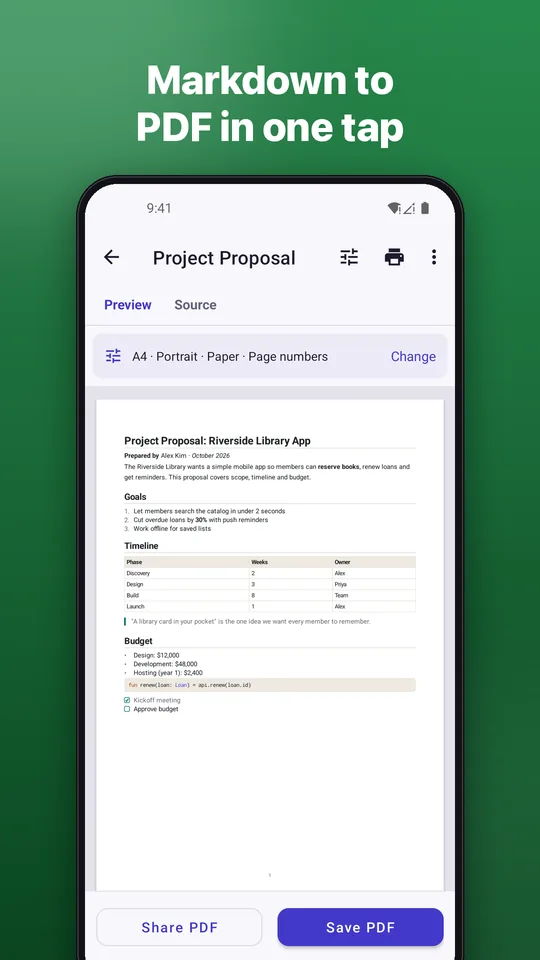
Open a file, paste text or share from another app, check the preview and save a PDF you can print, email or archive. Offline, no account, no watermark.
No watermarkWorks offlineNo account
Open a file, paste text or share from another app, check the preview and save a PDF you can print, email or archive. Offline, no account, no watermark.
For AI chat answers, READMEs, class notes and drafts.
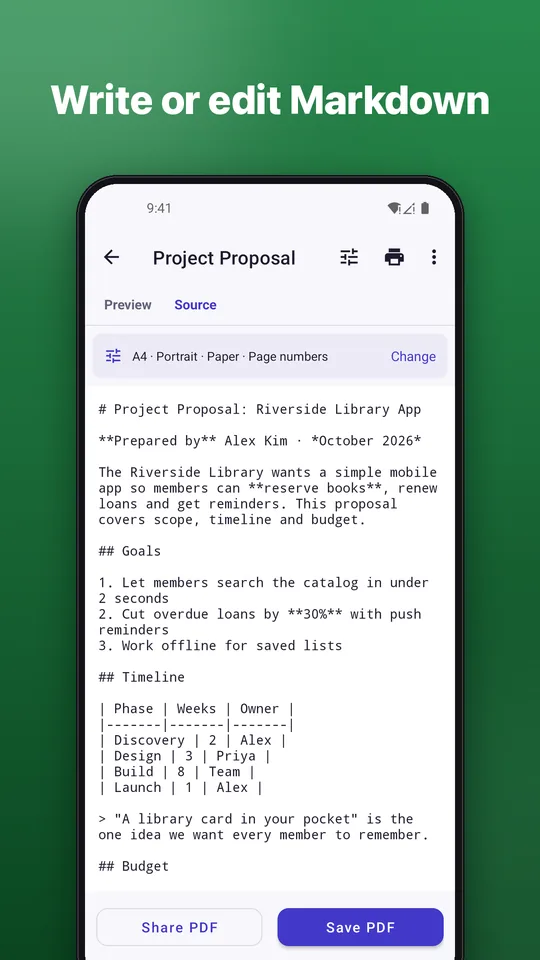
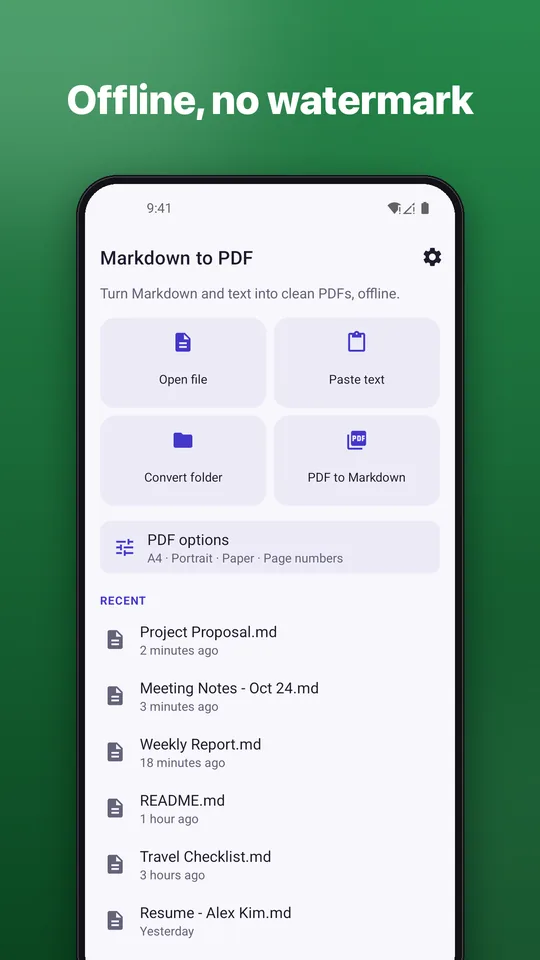
Open .md, .markdown or .txt files, paste text, or use Share from any app.
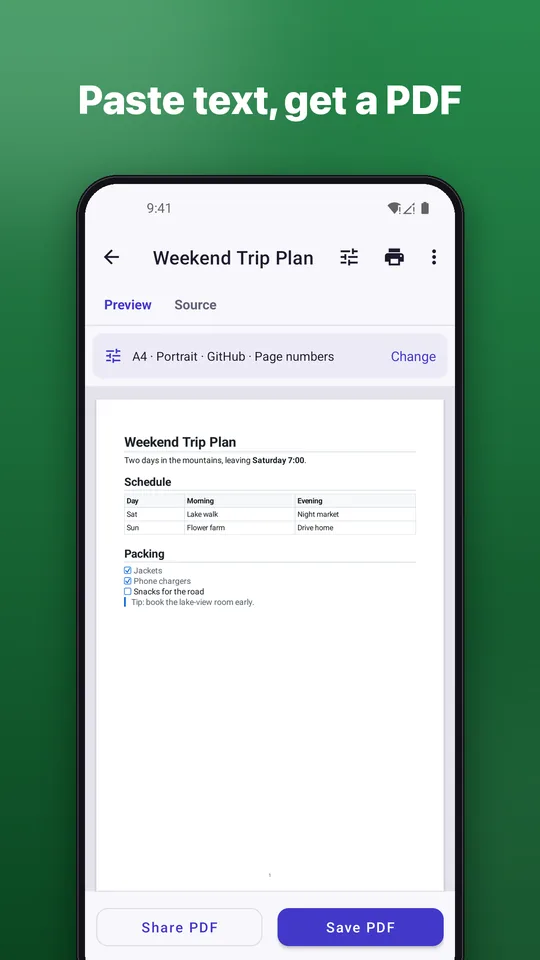
See the PDF before you save it. Your original file is never changed.
Save anywhere with the Android file picker, share straight away or print.
Headings, links, quotes, nested lists, task lists and page break markers.
Syntax-highlighted code blocks and tables that fit the page width.
Images next to your Markdown file are placed in the PDF.
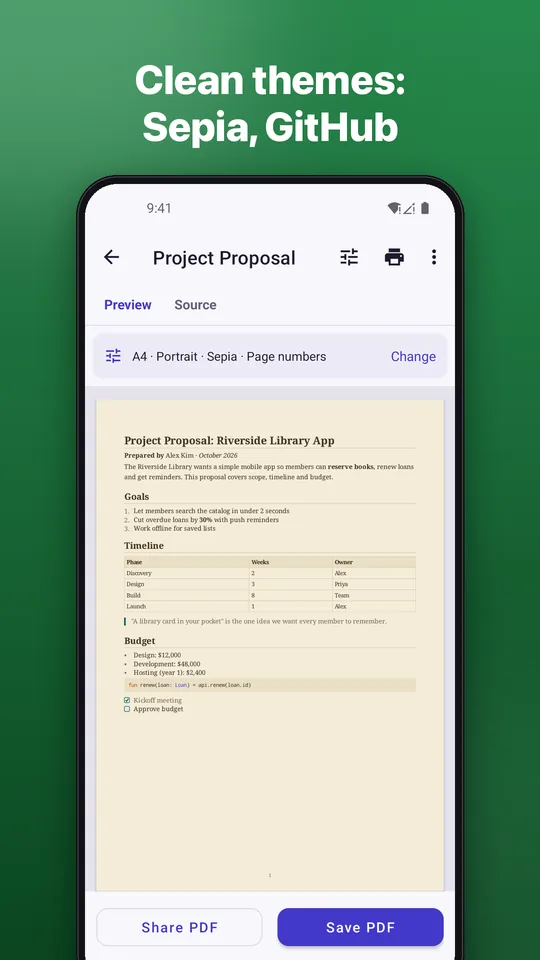
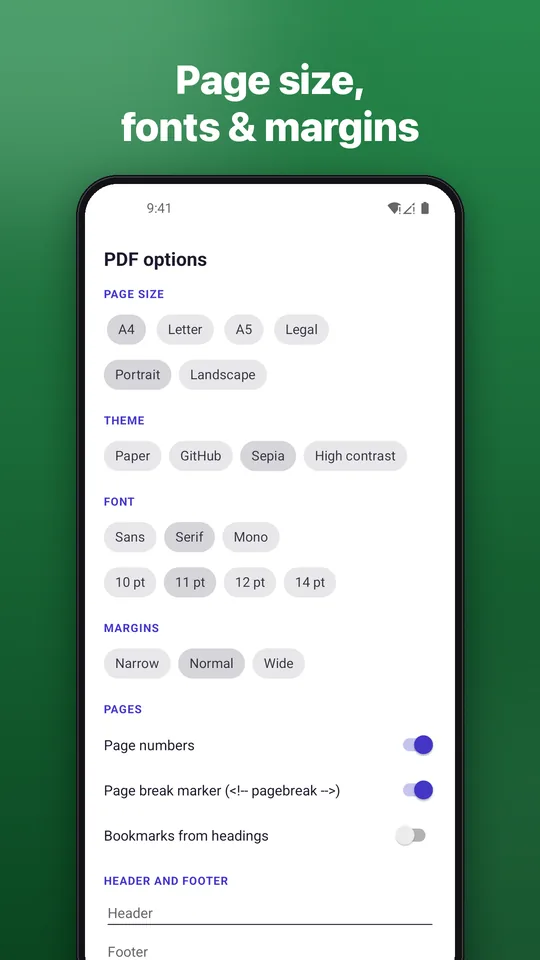
A clean paper layout for free. Pro adds more sizes, themes, fonts, header, footer, cover page and bookmarks.
Turn the text of a PDF into editable Markdown. The first 5 pages of each PDF are free.
The app is available in English and Vietnamese.
Free to use with ads. Go Pro to remove ads and unlock extra tools: monthly, 3-month or yearly subscription, or a one-time lifetime purchase through Google Play. Cancel any time.
Quick answers.
You can download and use it for free, with ads. An optional Pro upgrade (monthly, 3-month or yearly subscription, or a one-time lifetime purchase) is available through Google Play.
No. Converting Markdown and text to PDF is free, without watermarks and without a daily limit.
No. Conversion happens on your phone. There is no account and no server.
Files with the .md, .markdown and .txt extensions, text you paste or share, and PDFs for PDF to Markdown.
No. Install it and open a file.
Open Google Play, tap your profile, then Payments & subscriptions, then Subscriptions, choose Markdown to PDF and tap Cancel. Uninstalling the app does not cancel it.